



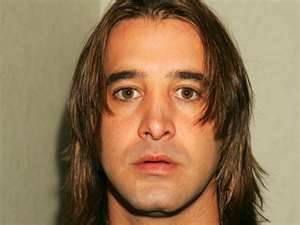

Scott Strapp, the former front man of the alternative rock band Creed, may have made some disturbing comments that might be the result of a psychotic episode. Stapp's wife Jaclyn Stapp called 911 to tell authorities that Stapp claimed to be a CIA agent and was on a mission to kill President Barack Obama. Stapp's sister-in-law was also on the call and told the police that Stapp had been shirtless and riding a bicycle around the neighborhood with a backpack full of hundreds of printed-out CIA documents that Stapp had found online.
"He thinks he's part of the CIA," Jaclyn says on the 911 call. "He thinks they're trying to kill him and he has a bunch of paperwork in his backpack that says he's a CIA agent and he was supposed to assassinate Obama." Stapp's wife and sister-in-law pleaded with authorities to place Stapp in psychiatric hold, but police determined Stapp did not show enough troubling behavior to be taken to a psych ward.
The Secret Service said, "We are aware [of the incident] and we'll take appropriate action”. The bizarre behavior comes a few weeks after Stapp posted a video on Facebook saying that he was completely penniless and homeless, and accused his record label and others of stealing money from him. Jaclyn recently filed for divorce from Stapp, claiming the ex-rocker was delusional from abusing drugs, and was awarded sole custody of their three children on Friday.
Get Creed's Greatest Hits Now: just click here