



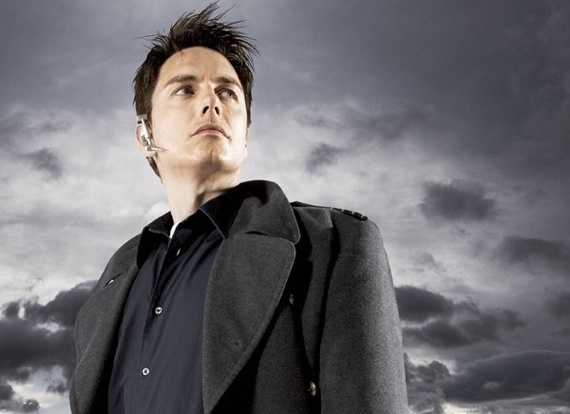

It was announced on Wednesday that John Barrowman would be joining the cast as a “well-dressed man” who is “as mysterious as he is wealthy … he is an acquaintance of the Queen family and a prominent figure in Starling City," according to Entertainment Weekly, who broke the news. The role will be a recurring one.
The DC Universe is filled to the brim with mysterious wealthy men, and since my knowledge of those men is limited to Bruce Wayne, I'll leave speculation on the comic counterpart of Barrowman's new character to the more qualified comic book experts. EW speculates that Barrowman will be playing Stanley Dover Sr., who in the comics tries to use his son's pet monster, a benevolent demon, to open a gateway to Hell. I don't know if Arrow will be venturing into the arcane, but this seems to be too strange a role.
Whoever Barrowman is playing, I'm certainly getting "big bad" vibes from his character description. A mysterious, prominent figure with ties to Queen's family? Seems like the perfect combination for a moonlighting supervillain who becomes Queen's biggest enemy.
Barrowman's certainly got the acting chops to pull it off; his biggest role is of Jack Harkness in both Doctor Who and spinoff series Torchwood, for which Barrowman has received considerable acclaim. The 45-year-old actor has also appeared in a recurring role on ABC's Desperate Housewives, with other appearances in various British television shows.
Arrow is slated to premiere on the CW Wednesday, October 10.