



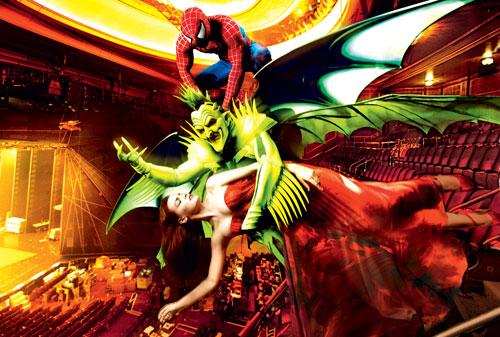

The New York Post says the show's high-tech stunts went "completely awry," including wires dropping on the audience, scenery missing pieces and the show's star Natalie Mendoza was suspended helplessly in midair during the climatic end to Act I.
As Mendoza finished the number "Rise Above" while suspended over the audience, a wire malfunction left her there -- for seven or eight minutes, while stagehands worked to figure out the problem. In the first act alone, the show was halted four times for technical difficulties.
At one point, Spider-Man himself (Reeve Carney) was left dangling above the stage as backstage crew members leapt at his feet to haul him back down to earth.
The theatergoers left the performance grumbling about feeling like "guinea pigs" and that the show felt like a "dress rehearsal." This was the first preview performance, with an official opening night set for Tuesday, Jan. 11, 2011. Hopefully the snafus can be worked out before then.
Follow Zap2it on Twitter and Zap2it on Facebook for the latest news and buzz
Photo/Video credit: Vogue
Edited by Midnight