



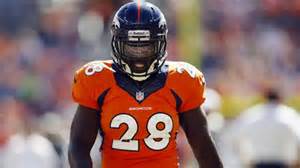

The Denver Broncos placed Montee Ball on injured reserve, ending a disappointing season for the once-heralded running back. The Broncos needed to create roster space in order to activate linebacker Danny Trevathan from injured reserve/designated to return, prompting the team to place Ball on season-ending IR. Ball has not played since aggravating a groin injury in a loss to the Rams. He originally suffered the injury against the Cardinals.
Ball, who entered the season as Denver's top running back, appeared in just five games this year, rushing for 172 yards and one touchdown on 55 carries. C.J. Anderson recently has emerged as a productive lead back for the Broncos, rushing for 393 yards and four touchdowns in Denver's last three games. Juwan Thompson and Ronnie Hillman, who has been sidelined with a foot injury but hopes to return by Week 17, also have provided depth at the position for the Broncos. A second-round draft pick in 2013, Ball also missed two preseason games after undergoing an emergency appendectomy in August. The Broncos also placed safety Quinton Carter on season-ending IR with a knee injury and signed tight end Dominique Jones to their practice squad.