




Skip to content
View in the app

A better way to browse. Learn more.

The Midnight Zone

A full-screen app on your home screen with push notifications, badges and more.

To install this app on iOS and iPadOS
  1. Tap the Share icon in Safari
  2. Scroll the menu and tap Add to Home Screen.
  3. Tap Add in the top-right corner.
To install this app on Android
  1. Tap the 3-dot menu (⋮) in the top-right corner of the browser.
  2. Tap Add to Home screen or Install app.
  3. Confirm by tapping Install.

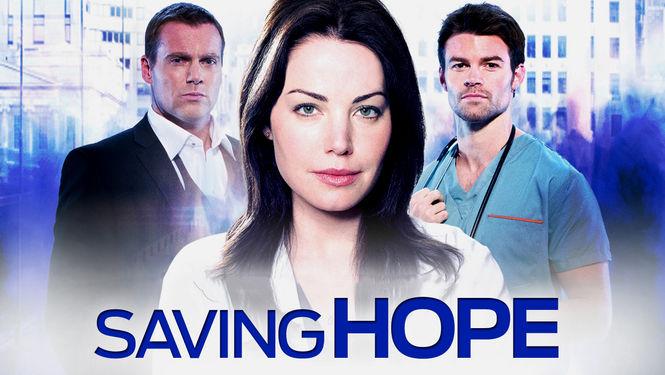
Saving Hope Ending After Season 5

It was announced today that Saving Hope will be coming to a close after its upcoming fifth season. The veteran medical drama, which is produced out of Canada, currently airs on ION Television for U.S. audiences.

The series originally started out on NBC in 2012, airing only 11 episodes before the network pulled it from its scheduled due to soft ratings. The show continued for Canadian audiences only until 2014, when ION picked up its rights and brought the show back to the states.

Look for the fifth and final season of Saving Hope in 2017.

Important Information

Terms of Use

Account

Navigation

Search

Search

Configure browser push notifications

Chrome (Android)
  1. Tap the lock icon next to the address bar.
  2. Tap Permissions → Notifications.
  3. Adjust your preference.
Chrome (Desktop)
  1. Click the padlock icon in the address bar.
  2. Select Site settings.
  3. Find Notifications and adjust your preference.