



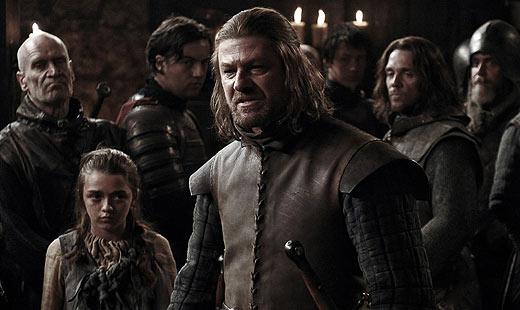

Prior to the season finale of "Boardwalk Empire" Sunday night (Dec. 5), HBO aired a 10-minute making-of/preview special for "Game of Thrones." It was the usual mix of teaser footage, behind-the-scenes info and talking heads with the cast and crew -- but it was also the first extended look fans have gotten at the show.
The video -- which features interview segments with author George R.R. Martin, whose novels form the basis of the series, as well as creators David Benioff and D.B. Weiss -- is at the end of the post. But we also wanted to share a few new photos HBO has posted of the cast. Up above is Sean Bean ("The Lord of the Rings") as Eddard "Ned" Stark, and below is Lena Headey ("Terminator: The Sarah Connor Chronicles") Cersei Lannister:

Nikolaj Coster-Waldau ("New Amsterdam") plays Cersei's brother Jaime:

Peter Dinklage as the third of the Lannister siblings, Tyrion:

Emilia Clarke is Daenerys Targaryen:

Here's the video, in which you'll also see (among others) Harry Lloyd as Daenerys' brother Viserys, Mark Addy as Robert Baratheon and, briefly, "The Wire's" Aiden Gillenas Littlefinger. "Game of Thrones" premieres in April.