



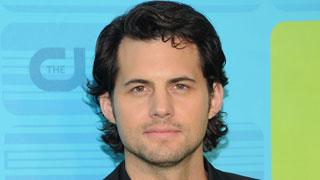

CBS has signed the star to a talent holding deal, meaning he will headline a new project set for next fall. Sources say the actor was offered the deal the same day The CW decided to not give "Life Unexpected" a full-season order. Polaha is thus far the only dramatic actor on CBS' roster this pilot season. [Deadline]
"Grey's Anatomy" and "Private Practice" creator Shonda Rhimes is creating a new series for ABC set in the world of public relations crisis management. The show will be based on the career of legendary public relations consultant Judy Smith, who worked with Bill Clinton, Michael Vick and New York Governor David Paterson. Not much is known about the project (it doesn't have a title yet), other than it is being developed for the 2011-12 season and will revolve around the life and work of a PR pro and her dysfunctional team. [Vulture]
"Lost" alum Doug Hutchinson (he played Horace Goodspeed) is heading to Lie To Me. The actor will guest star as Lane Bradley, whose rising career as a police detective comes to a screeching halt when his infant daughter is kidnapped. Bradley is described as an intense individual who is controlling of his wife and son and blames his wife for the kidnapping, but he naturally has a few secrets of his own. The episode, "Gone Baby Gone," will air later this season. [Movieline]