



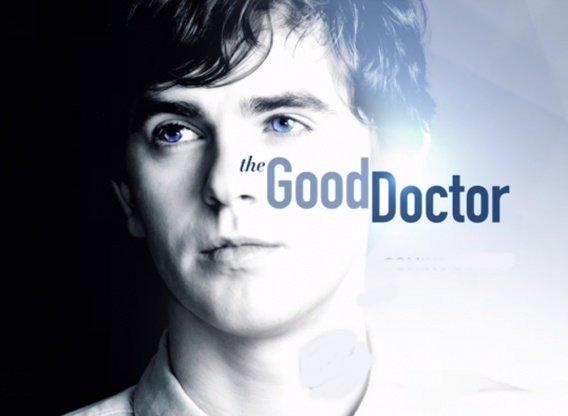

ABC announced today that The Good Doctor has been renewed for a second season. Since its premiere in the fall, the medical drama has gone on to become one of the breakout freshman entries of the 2017-2018 television season. Back in October, the show was the first new drama of the fall to earn a full-season pickup thanks to its strong start.
Airing Monday nights, the series has garnered acclaim from both critics and audiences alike. It regularly beats its 10:00pm competition, which is something that ABC has struggled with in years past with shows in that particular time slot. Viewership-wise, it ranks as the network's most-watched new series in over a decade, and star Freddie Highmore earned himself a Golden Globe nomination for Best Actor last year.
The Good Doctor stars Highmore as Dr. Shaun Murphy, a young surgeon with autism and savant syndrome who leaves his quiet, country life behind to join the surgical unit at a renowned hospital in San Jose, California. Alone in his new surroundings and not able to form a personal connection with his peers, Dr. Murphy puts his extraordinary medical gifts to use in order to save lives and challenge his skeptical colleagues.
Look for Season 2 of The Good Doctor this fall.