



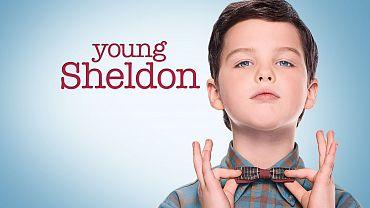

CBS announced today that Young Sheldon has been renewed for a second season. The early pickup, which comes ahead of the network's presentation at TCA today, is really a no-brainer considering the comedy's solid performance so far during its freshman season.
Premiering back in September, the show's first episode made a splash by garnering an impressive 3.8 rating among adults 18-49 while netting a total of over 17 million viewers. It was just days later that CBS ordered a full season. Now 10 episodes into its run, the show's numbers continue to be solid airing after The Big Bang Theory on Thursday nights. Overall it ranks as the top new comedy of the season.
A spin-off of The Big Bang Theory, Young Sheldon follows a 9-year-old Sheldon Cooper growing up in East Texas. At a young age, his advanced mathematical and scientific mind isn't necessarily helpful when living in a town where football and church get all the attention. Vulnerable, gifted and naive, Sheldon is embarking on his awkward journey toward the man he will become.