



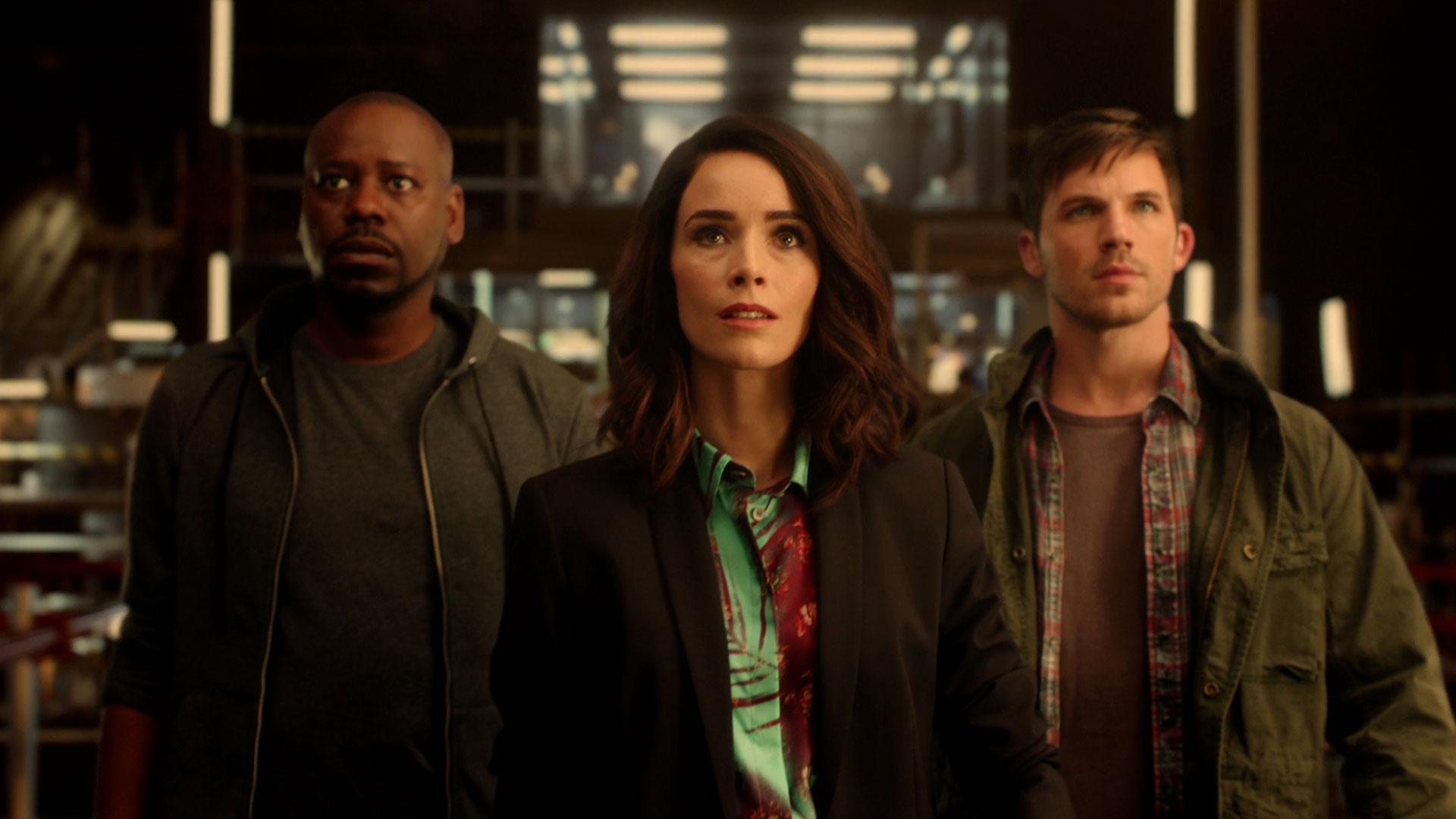

In a surprise reversal of decision, NBC has decided to renew Timeless for a second season. The move comes just three days after the network originally cancelled the series to the dismay of the show's fans who were left with a season-ending cliffhanger back in February.
Co-creator Eric Kripke spread the good news on Twitter this morning, writing:
"The #TimeTeam went back 3 days, and changed history. @nbc picked us up for 10 episodes. Seriously. Airs next summer. #TimelessRenewed".
He followed that up minutes later with an update:
"Correction. Info moving fast. We're airing sometime in 2018, not sure when. But we're airing! #ResuscitateTimeless"
Timeless premiered last fall as part of NBC's fall line-up with a lot of momentum behind it. Created by two veteran producers, the series was given a high profile time slot airing after The Voice on Monday nights with heavy promotion, and received high critical praise from early reviews. While its premiere episode got off to a solid start, ratings slipped in subsequent weeks leaving only a limited audience who kept tuning in.
That audience, it turns out, was quite vocal when it was announced that the show would not be returning for a second season. So much so that the series was at the top of USA Today's "Save Our Shows" poll. That reaction seems to have swayed the powers that be to change their minds, resulting in today's pickup.