



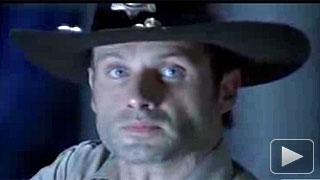

But just like Rick Grimes (Andrew Lincoln)and the rest of the un-merry band of survivors, life must go on. Another episode, the finale even, awaits.
In this exclusive Zap2it clip, we pick up where Episode 5 left off with the doors to the CDC (Centers of Disease Control and Prevention) rising, bathing the wary survivors in a bright light.
As they enter, they meet the lone scientist (Noah Emmerich) we saw in the previous episode who had accidentally contaminated the last "fresh" sample of zombie flesh -- labeled TS-19 -- he had for testing. Uh oh. Who do you think will come down with the Walker syndrome next and donate their body to science? Let's go back and find Jim.
And did you catch his name? It sounds like Dr. Edwin Jenner, reminiscent of Edward Jenner who developed the smallpox vaccine. Well, even if there's no relation, finding a zombie vaccine would certainly qualify for a Nobel, if the committee is alive to bestow it.
"The Walking Dead" Season 1 finale titled "TS-19" airs Sunday, Dec. 5 at 10 p.m. ET on AMC.
To stay in the zombie loop, be sure to "like" "The Walking Dead" on Facebook and follow @WalkingDead_AMC on Twitter.